What a Clyrke build actually looks like.
Five examples of how Clyrke structures the front desk for different local service industries — the website, the booking flow, the follow-up + review automation, and what the owner sees in the CRM.
Example · Med spa
Example med spa build
How Clyrke structures the front desk for a med spa: treatment-led pages, a clear consult booking flow, post-visit review automation, and a CRM that holds the consultation history.
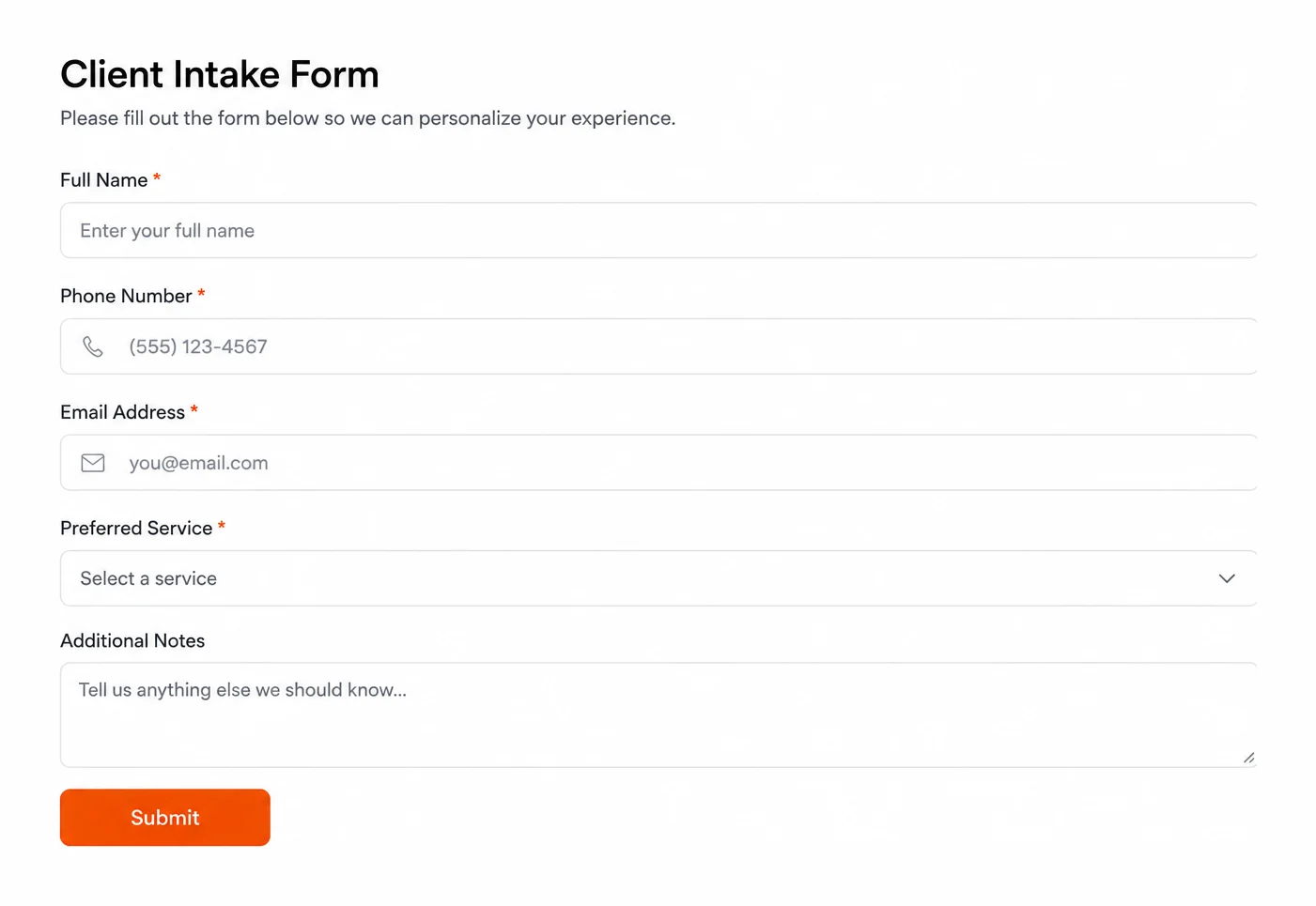
Website structure
- Home — hero with consult CTA, signature treatments, trust block
- Treatments — one page per treatment family (injectables, skin, body)
- About — practitioner credentials, clinic philosophy, before/after gallery
- Pricing — consult-only or transparent ranges where appropriate
- Book a consult — full booking flow on every page
- Reviews — Google review embed with auto-collection running in the background
- Contact — phone, email, hours, neighbourhood directions
Booking flow
- 01 Visitor lands on a treatment page from Google, Instagram, or referral
- 02 Treatment page explains the service, trust points, and the next step
- 03 Visitor taps "Book a consult" and picks a time, fills the intake (history, allergies, goals)
- 04 CRM stores the lead with the treatment context attached to the contact
- 05 Confirmation email + SMS sent, with prep instructions for the consult
Follow-up + review automation
- Day-before reminder SMS reduces no-show rate
- Post-consult email recap with the recommended treatment plan
- Review request SMS after the first paid treatment, while the result is fresh
- Reactivation sequence at the 3-month and 6-month mark for repeat treatments
What the owner sees
The owner sees every consult in one CRM view — booking time, intake notes, treatment plan, payment status, and which reviews have been requested vs. left. No more inbox archaeology between Instagram DMs, paper intake, and a separate calendar app.
Illustrative med spa example — not a real client.
Example · HVAC
Example HVAC build
How Clyrke structures the front desk for an HVAC company: urgency-routed intake, separate repair vs. install vs. maintenance flows, and a recall loop that fills the slow months before they show up empty.
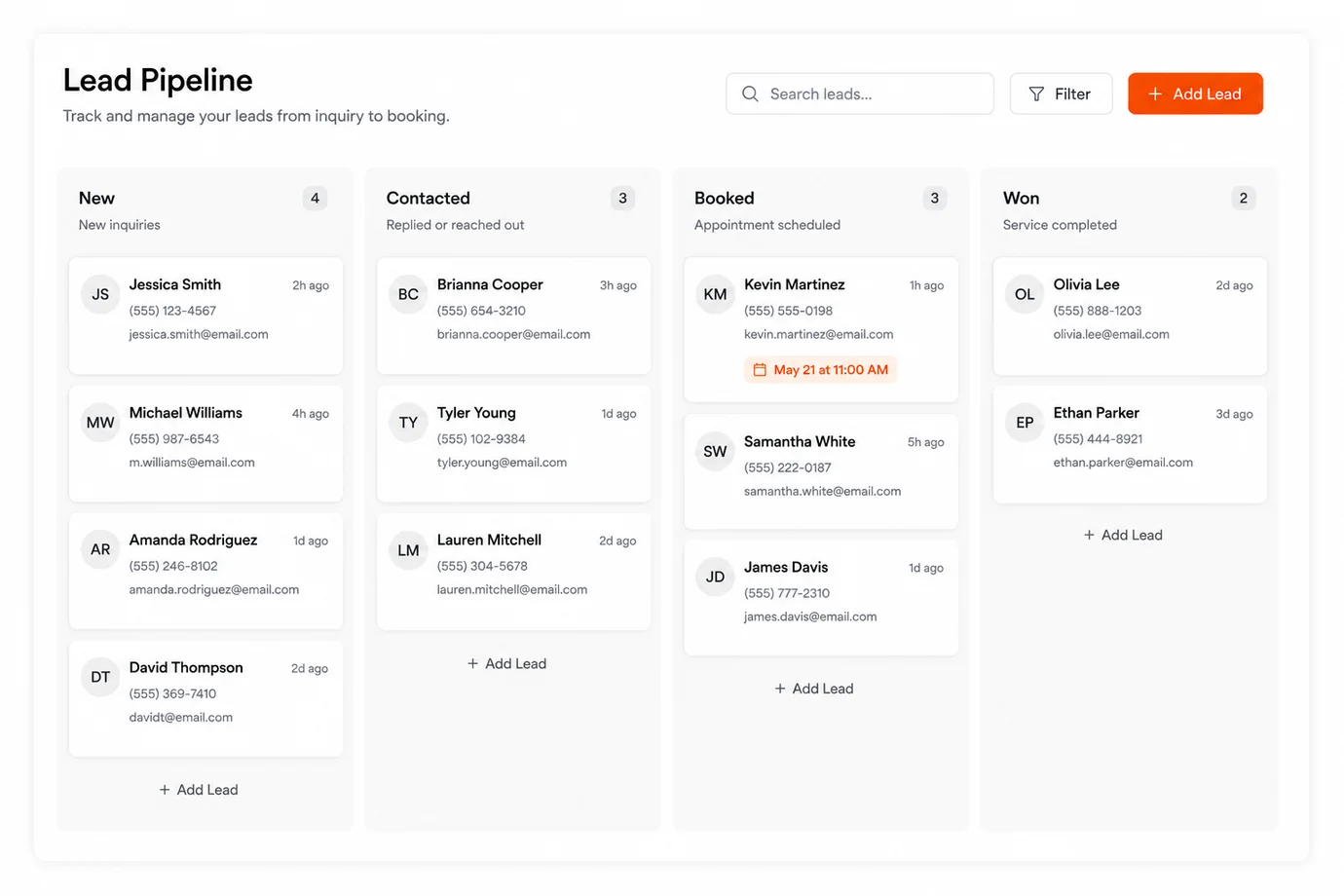
Website structure
- Home — emergency banner, service intake, primary city served
- Repair — same-day service intake form with urgency selector
- Install — quote request form with photos, square footage, fuel type
- Maintenance — seasonal tune-up booking with recurring contract upsell
- Service areas — neighbourhoods + cities the truck routes to
- About — licensing, certifications, years in business, crew
- Reviews + Contact — phone tap-to-call, after-hours form, emergency CTA
Booking flow
- 01 Visitor lands on the homepage with "No heat?" or "No cooling?" urgency CTA
- 02 Visitor selects repair, install quote, maintenance, or emergency request
- 03 Form captures urgency level, equipment type, address, and preferred window
- 04 CRM tags the lead by urgency and routes urgent ones to the dispatcher first
- 05 Confirmation SMS + email with the expected response window
Follow-up + review automation
- Dispatch SMS with the technician's ETA on the day of service
- Post-job invoice + receipt sent through the CRM, not a separate app
- Review request SMS while the homeowner is still grateful the furnace runs
- Seasonal recall reminders (6-month + 12-month tune-up) fire automatically
What the owner sees
The owner sees the dispatch queue, the install pipeline, the maintenance contract calendar, and the recall list in one CRM. Every truck roll has a contact attached with equipment notes, past service history, and the review status — so the crew arrives knowing the property, not learning it.
Illustrative hvac example — not a real client.
Example · Dental clinic
Example dental clinic build
How Clyrke structures the front desk for a dental clinic: trust-forward pages, intake captured at booking, hygiene recall on auto, and consult routing for cosmetic or implant work.
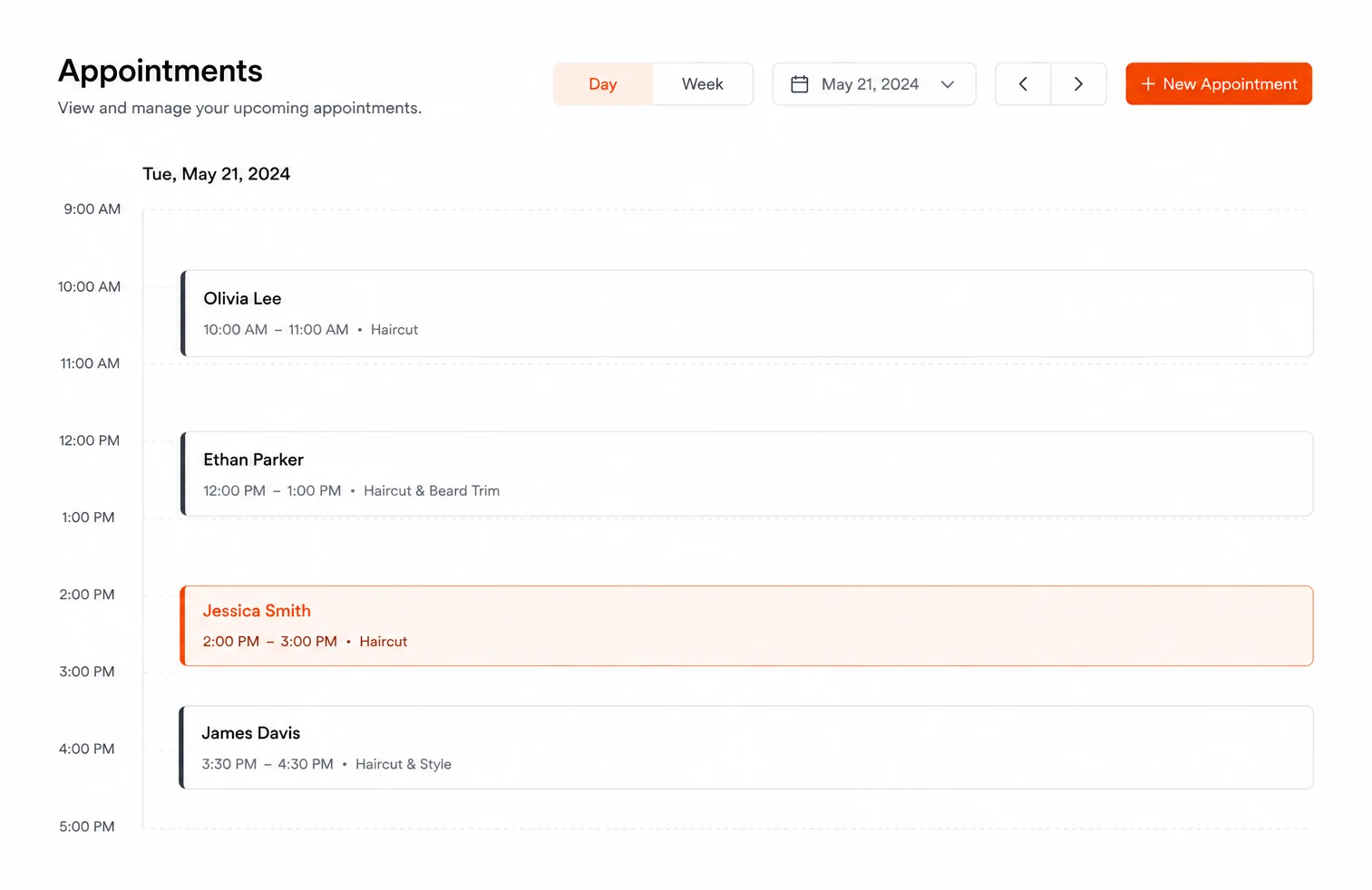
Website structure
- Home — clinic philosophy, services overview, book a hygiene visit CTA
- New patients — what to expect, intake form, insurance handling
- Services — one page per service family (hygiene, restorative, cosmetic, implants)
- Team — dentist + hygienist bios with credentials
- Book online — separate flows for hygiene visits vs. consults vs. emergencies
- Reviews — Google embed with auto-collection running quietly
- Contact — hours, parking, accessibility, languages spoken
Booking flow
- 01 Visitor lands on the new-patient or service page and taps "Book online"
- 02 Booking flow asks: new or returning patient, visit type, preferred date
- 03 Intake form attached to the booking — medical history, insurance, consents
- 04 CRM stores the patient record with the booking context already filled in
- 05 Confirmation email + SMS with the address, parking instructions, and forms link
Follow-up + review automation
- Day-before reminder SMS cuts no-shows on hygiene visits
- Six-month hygiene recall fires automatically — no front desk phone-tag
- Treatment-plan follow-up email after consult visits, with next steps
- Review request SMS after the first completed visit, with a Google link
What the owner sees
The owner and front-desk lead see the day's schedule, recall list, treatment-plan pipeline, and outstanding payment list in one CRM. Reception focuses on the chair and the patient, not on stitching together a booking app, a recall spreadsheet, and a paper intake clipboard.
Illustrative dental clinic example — not a real client.
Example · Cleaning company
Example cleaning company build
How Clyrke structures the front desk for a cleaning company: self-serve quotes, recurring contract sign-ups, route management in the CRM, and a review loop that compounds.
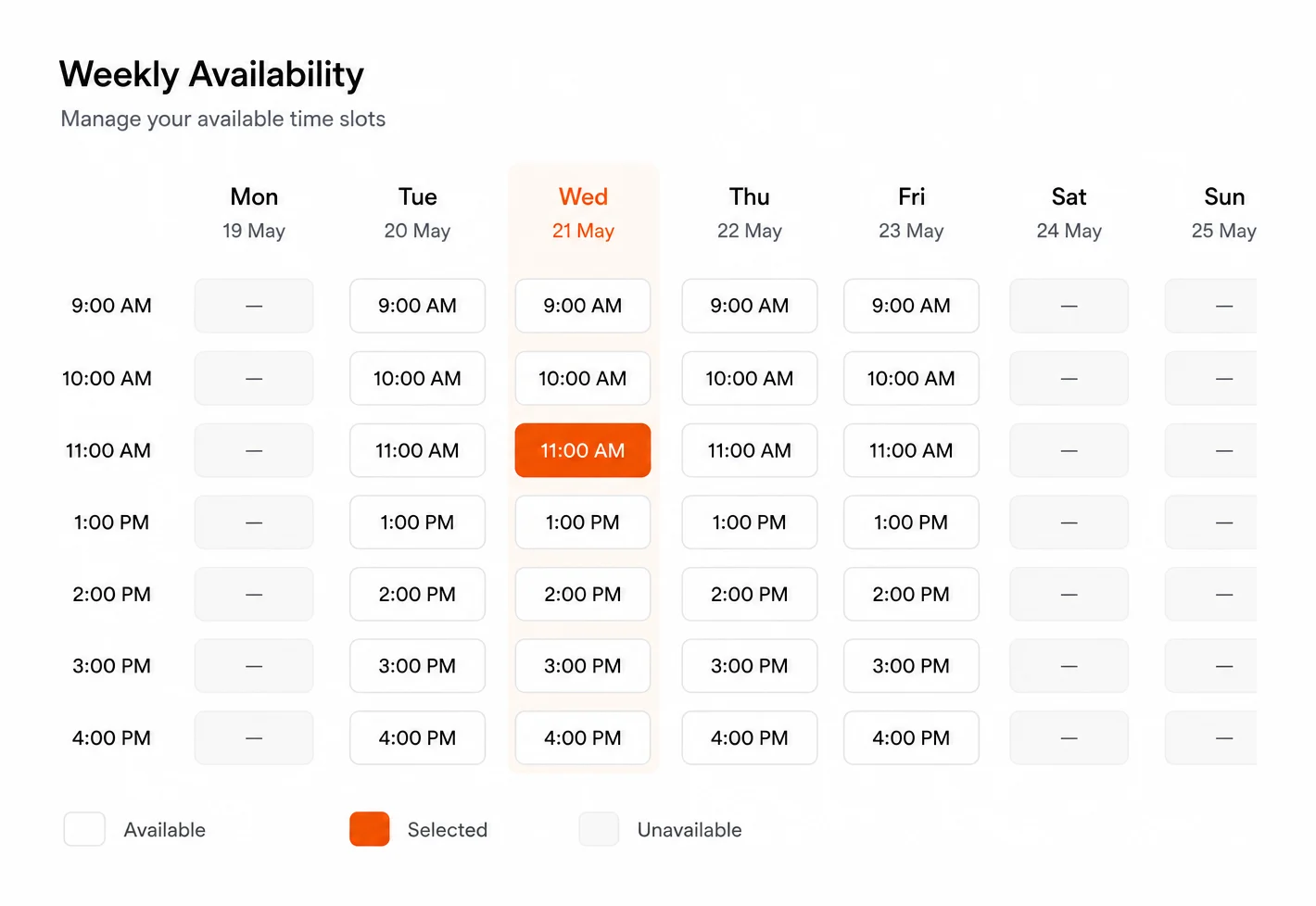
Website structure
- Home — services overview, instant quote CTA, recurring vs. one-time
- Residential — quote calculator (sqft, bedrooms, frequency)
- Commercial — bid request form for offices, retail, post-construction
- Move-in / move-out — flat-rate package with date picker
- Service areas — neighbourhoods + cities the crews cover
- About — crew, supplies, eco-friendly practices, insurance
- Reviews + Contact — phone, email, hours, quote CTA
Booking flow
- 01 Visitor lands on the residential or commercial page
- 02 Self-serve quote captures square footage, frequency, add-ons, address
- 03 System surfaces a price (or a "we'll confirm" range for commercial)
- 04 Visitor picks a start date and recurring schedule, pays deposit if applicable
- 05 CRM stores the property with crew notes, gate codes, dog flags, schedule
Follow-up + review automation
- Day-before reminder SMS so the household is ready for the crew
- Post-clean SMS with a quick rating + Google review prompt
- Recurring customer reminders (next clean ETA, frequency upsell options)
- Reactivation sequence for one-time customers at the 60-day and 90-day mark
What the owner sees
The owner sees the weekly route, the recurring contract roll, the one-time quote pipeline, and the review pace in one CRM. Crew leads see the same schedule the owner sees — property notes attached, no group-text route changes that get lost in a thread.
Illustrative cleaning company example — not a real client.
Example · Contractor
Example contractor build
How Clyrke structures the front desk for a renovation contractor: project-led pages, structured quote intake, photo capture for accurate bids, and a follow-up loop that keeps cold quotes warm.
Website structure
- Home — project types, gallery hero, quote request CTA
- Projects — one page per scope (kitchen, bath, basement, additions, decks)
- Process — what hiring the company actually looks like, week by week
- Gallery — mobile-first project portfolio with before/after sets
- Get a quote — structured intake with scope, budget range, timeline, photos
- About — license, insurance, years in business, crew lead bios
- Reviews + Contact — Google embed, phone, service area map
Booking flow
- 01 Visitor lands on a project type page from Google or referral
- 02 Project page sells the scope, shows the gallery, and surfaces the quote CTA
- 03 Intake captures scope, address, timeline, budget range, and 3–5 photos
- 04 CRM stores the lead with the project context attached to the contact
- 05 Confirmation email + SMS with the next step (site visit window or call)
Follow-up + review automation
- Auto-reply SMS within minutes acknowledging the request
- Follow-up email sequence keeps cold quotes warm through the decision window
- Reminder pings to the owner if a quote sits past the close-by date
- Post-project review request SMS once the final walkthrough is done
What the owner sees
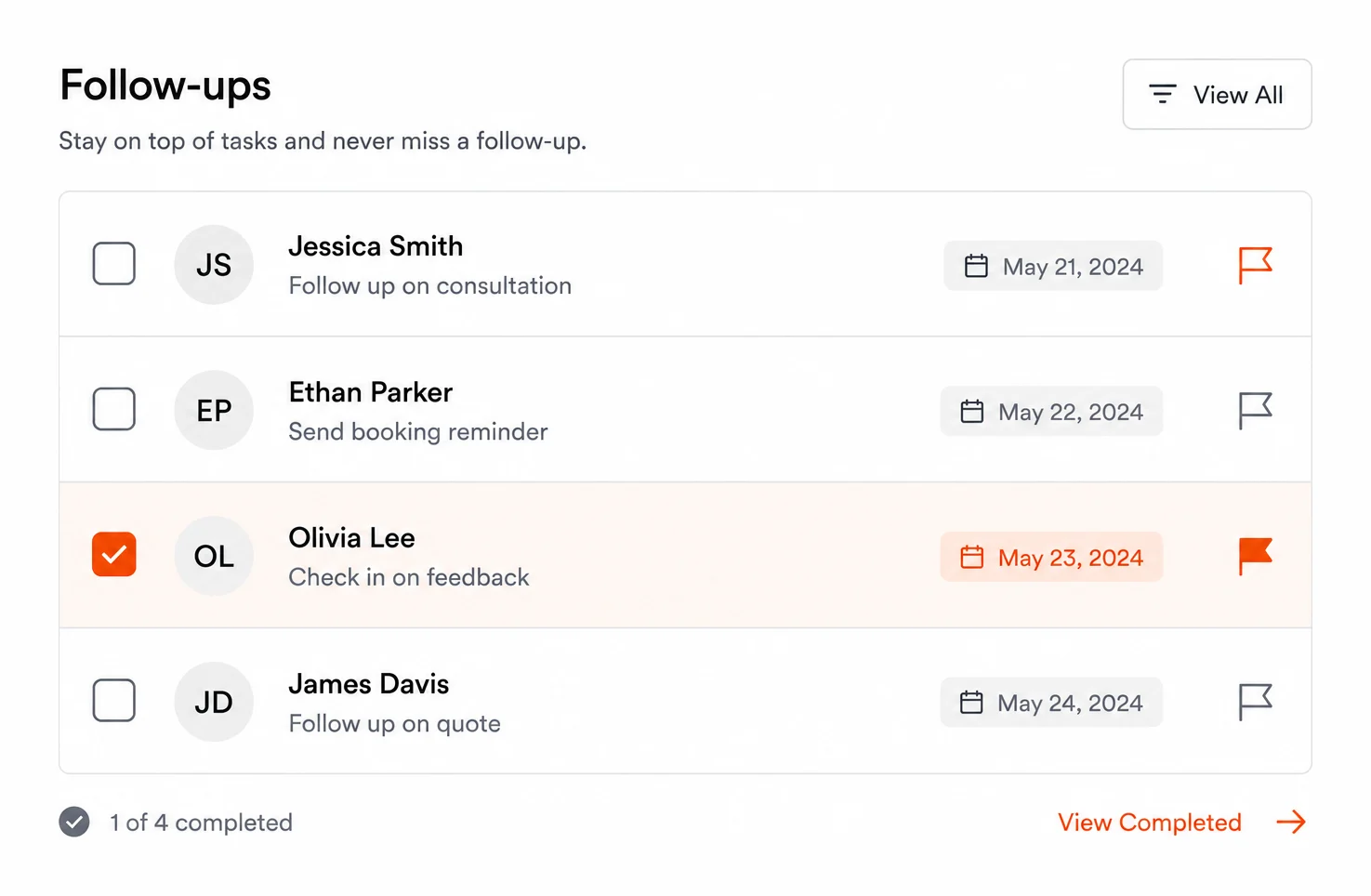
The owner sees the active quote pipeline, the active jobs, the warranty / callback list, and the review pace in one CRM. Every quote has the photos, the scope notes, and the conversation history attached — so the first follow-up call is a quote conversation, not a discovery one.
Illustrative contractor example — not a real client.
Final word
Like the structure? Hire Clyrke to build yours.
One subscription, one team, the whole front desk — custom website, booking, CRM, email + SMS marketing, review automation, hosting, and SEO — built and managed by Clyrke for $399/month.